⭐ Secure access to your Mahakal ID
Mahakal Book login: sign in to your Mahakal ID
To log in to Mahakal Book you need three things: your Mahakal Book ID (username), your password and the login link sent to you when the ID was created. This page shows how to sign in, fix common login problems and reset your password.
Get login help on WhatsApp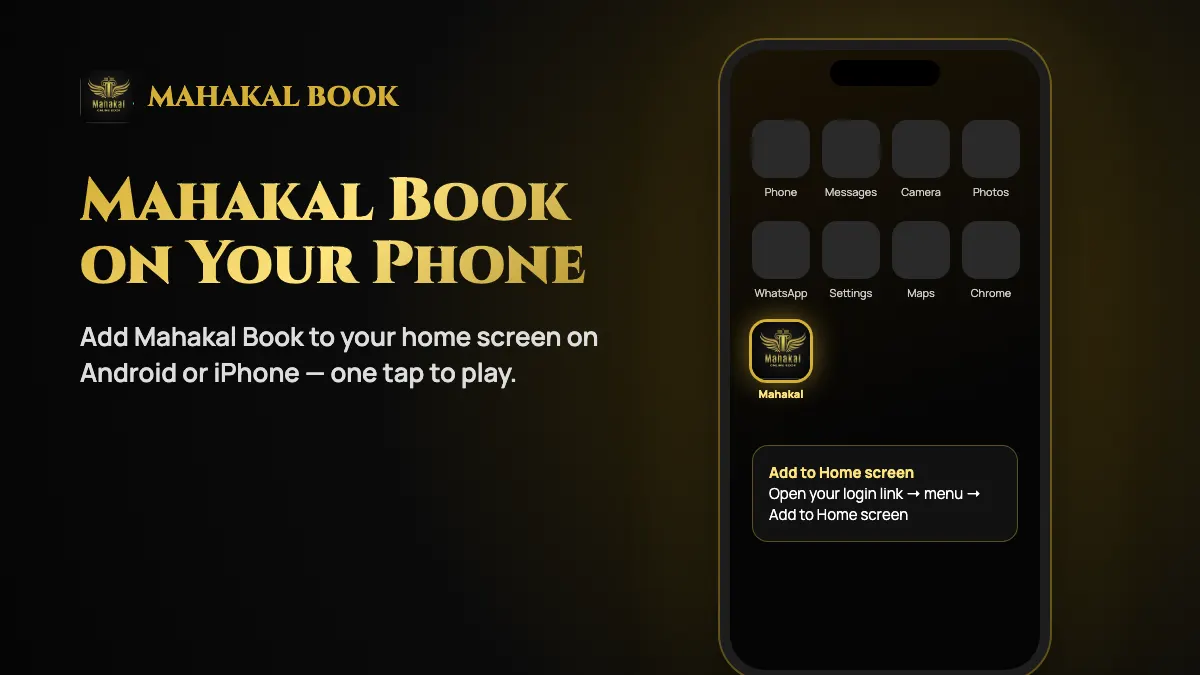
How to log in to Mahakal Book
Open your login link
Use the link from your ID confirmation message. Bookmark it so you always return to the right site.
Enter your Mahakal ID
Type the username exactly as sent — it is usually not your phone number or email.
Enter your password
On first login you may be asked to change the temporary password. Choose one you do not use anywhere else.
Check your balance
Once in, confirm your balance and open the sport or casino game you want.
Mahakal Book login not working?
- Wrong username: Check capital letters and extra spaces, especially if you copied the ID from WhatsApp.
- Wrong site: Make sure the address matches the login link you were given — similar-looking sites will not recognise your ID.
- Password not accepted: After a few failed attempts the ID can lock. Stop and ask support for a reset.
- Page not loading: Switch between Wi-Fi and mobile data, clear the browser cache or try Chrome or Safari.
Forgot your Mahakal Book password?
Message support on WhatsApp with your Mahakal Book ID and ask for a password reset. You will receive a new temporary password to change after logging in. You never need to share your old password, bank PIN, UPI PIN or an OTP to reset it.
If you have lost your login link, ask for it in the same chat. Only use a link sent from the official number listed on our contact page.
Frequently asked questions
Can I log in to Mahakal Book on my phone?
Yes. Open your login link in a mobile browser and add it to your home screen for one-tap access.
Can I use my phone number to log in?
Log in with the Mahakal Book ID username sent to you. Your phone number is used for support, not as your username, unless support tells you otherwise.
I don’t have a Mahakal ID yet. How do I get one?
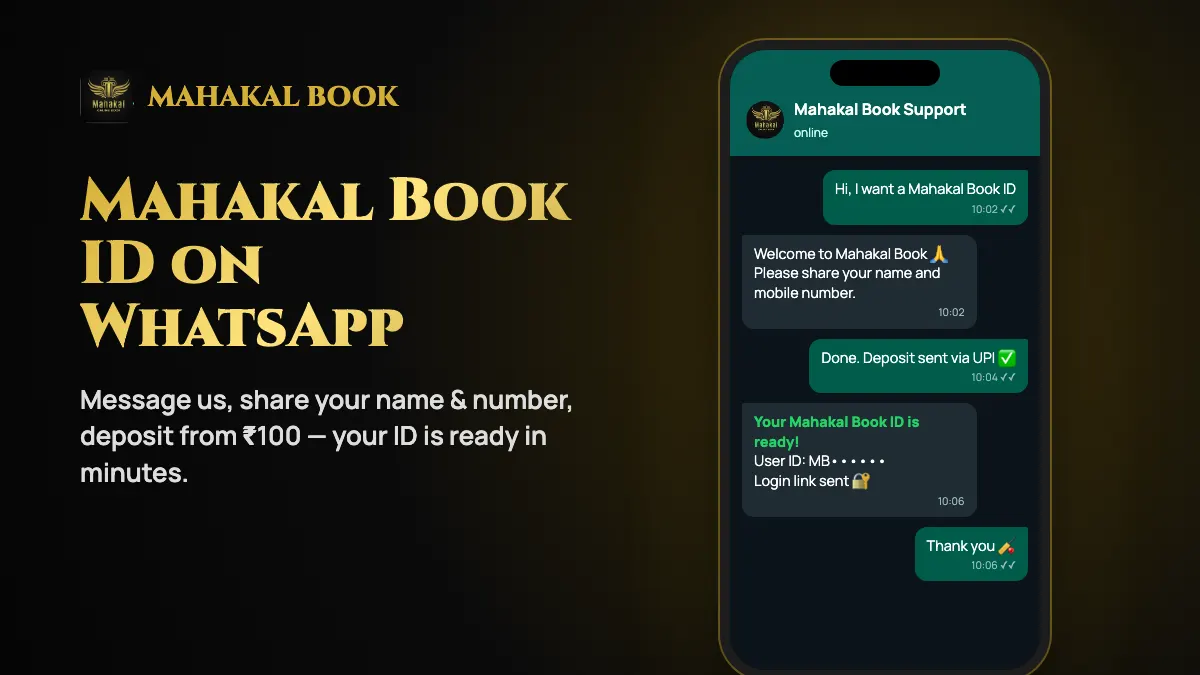
Message us on WhatsApp — the ID is created in minutes after a ₹100 minimum deposit.