⭐ Play anywhere on Android & iPhone
Mahakal Book app: play on Android and iPhone
You can use your Mahakal Book ID on any smartphone. The mobile site works in Chrome and Safari and can be added to your home screen so it opens like an app — no Play Store listing or unknown APK required.
Ask for the mobile link on WhatsApp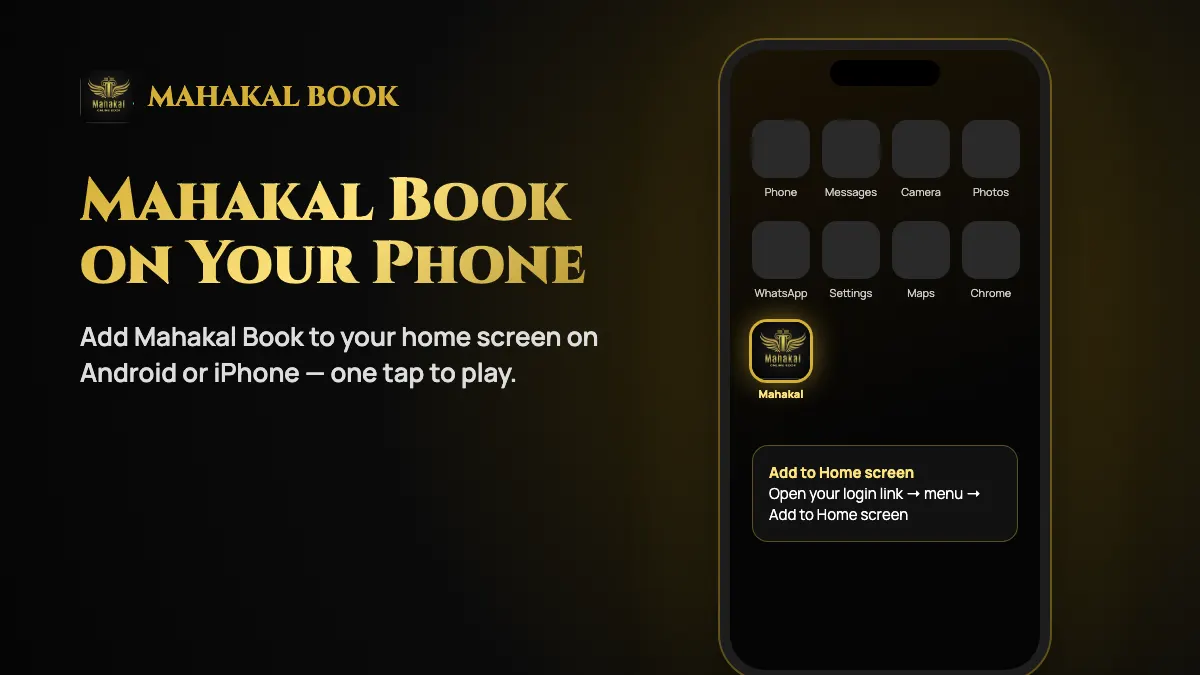
Add Mahakal Book to your Android home screen
Open Chrome
Visit the login link sent with your Mahakal Book ID.
Open the menu
Tap the three dots in the top-right corner.
Add to home screen
Tap “Add to Home screen” and confirm. A Mahakal icon appears with your apps.
Add Mahakal Book to your iPhone home screen
Open Safari
Visit your Mahakal Book login link.
Tap Share
Tap the share icon at the bottom of the screen.
Add to Home Screen
Choose “Add to Home Screen” and tap Add.
Mahakal Book APK: stay safe
Search results and messages sometimes offer a “Mahakal Book APK”. Only install an app file if it is sent by the official WhatsApp number on our contact page. An APK from an unknown source can steal passwords and OTPs.
- Never turn off Play Protect or other security warnings because a message asks you to.
- Be wary of any app that requests SMS, contacts or accessibility permissions.
- When in doubt, use the mobile site — it has every feature of your Mahakal ID.
Frequently asked questions
Is there a Mahakal Book app on the Play Store?
The mobile site is the recommended way to play. Add it to your home screen for app-like access on Android and iPhone.
Does the mobile site have all features?
Yes. Sports, exchange, casino, deposits and withdrawals all work on the mobile site with the same Mahakal Book ID.